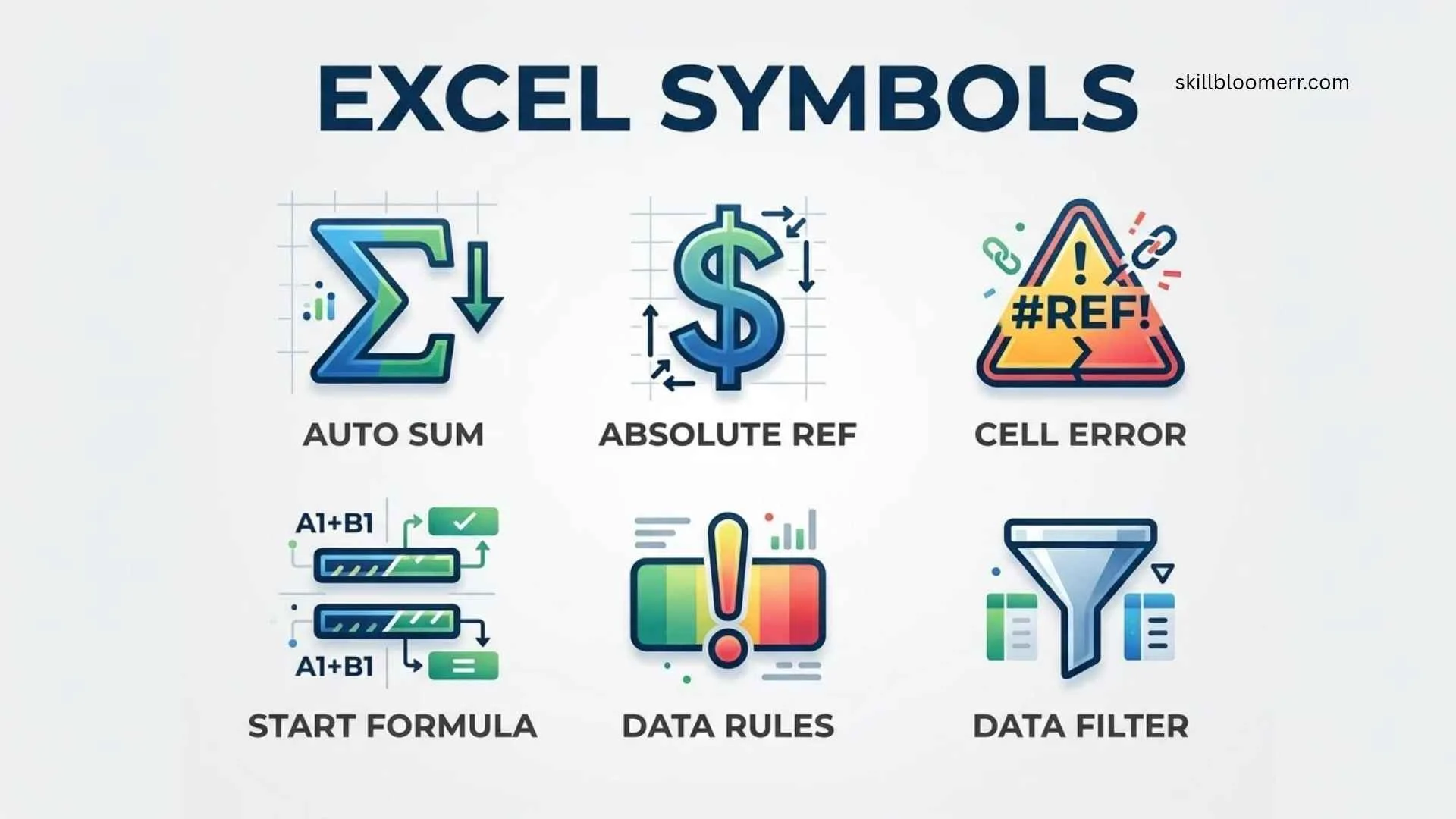
Excel symbols are visual characters, signs, and icons used in Microsoft Excel to represent functions, formulas, calculations, commands, data types, and special meanings. From simple mathematical operators like + (plus) and – (minus) to advanced formula symbols like $ (absolute reference), ! (worksheet reference), and : (range operator), these symbols help users work faster and understand spreadsheet logic.
You may encounter Excel symbols while creating formulas, formatting tables, analyzing data, building financial models, or using Excel tools such as PivotTables, charts, and conditional formatting.
Understanding what each symbol means can help beginners avoid formula errors and allow advanced users to create more efficient spreadsheets.
This complete guide explains the meaning, history, usage, and interpretation of Excel symbols, including formula operators, keyboard symbols, error indicators, formatting icons, and technical spreadsheet notation.
Quick Meaning of Excel Symbols
Excel symbols are special characters and icons that communicate instructions, relationships, or actions inside Microsoft Excel. They are mainly used in formulas, functions, cell references, formatting tools, and data analysis. Common examples include = for formulas, $ for fixed references, % for percentages, and : for cell ranges.
Excel Symbols Overview Table
| Symbol Name | Symbol | Primary Meaning | Category | Common Usage |
| Equal Sign | = | Starts a formula or comparison | Formula Symbol | =A1+B1 |
| Plus Sign | + | Addition operation | Mathematical Operator | =5+10 |
| Minus Sign | – | Subtraction or negative value | Mathematical Operator | =A1-B1 |
| Multiplication Sign | * | Multiplies values | Mathematical Operator | =A1*B1 |
| Division Sign | / | Divides values | Mathematical Operator | =A1/B1 |
| Percentage Sign | % | Converts value into percentage | Formatting/Formula | 50% |
| Dollar Sign | $ | Locks cell reference | Reference Symbol | =$A$1 |
| Colon | : | Defines a range of cells | Range Operator | A1:A10 |
| Comma | , | Separates arguments | Function Symbol | =SUM(A1,B1) |
| Parentheses | () | Controls calculations/functions | Formula Structure | =SUM(A1:A5) |
| Exclamation Mark | ! | References another sheet | Worksheet Symbol | Sheet2!A1 |
| Ampersand | & | Joins text values | Text Operator | =”Hello”&”World” |
| Greater Than | > | Compares values | Logical Operator | A1>10 |
| Less Than | < | Compares values | Logical Operator | A1<10 |
| Not Equal | <> | Checks inequality | Logical Operator | A1<>B1 |
| At Symbol | @ | Refers to current row/table data | Structured Reference | =[@Sales] |
| Hash Symbol | # | Represents errors or dynamic arrays | Error/Formula Symbol | #VALUE! |
What Do Excel Symbols Mean?
Excel symbols provide instructions that tell Microsoft Excel how to process information. A spreadsheet without symbols would only display numbers and text, but symbols allow Excel to understand relationships between cells and perform automatic calculations.
For example:
=A1+B1
The equal sign tells Excel that a calculation is beginning. The plus symbol tells Excel to add the values stored in cells A1 and B1.
Without these symbols, Excel would treat the entry as ordinary text instead of a mathematical instruction.
Excel symbols generally fall into several categories:
- Formula operators
- Mathematical symbols
- Logical comparison symbols
- Cell reference symbols
- Formatting symbols
- Error symbols
- Function-related symbols
- Interface icons
Each category serves a different purpose in spreadsheet creation and analysis.
History and Origin of Excel Symbols
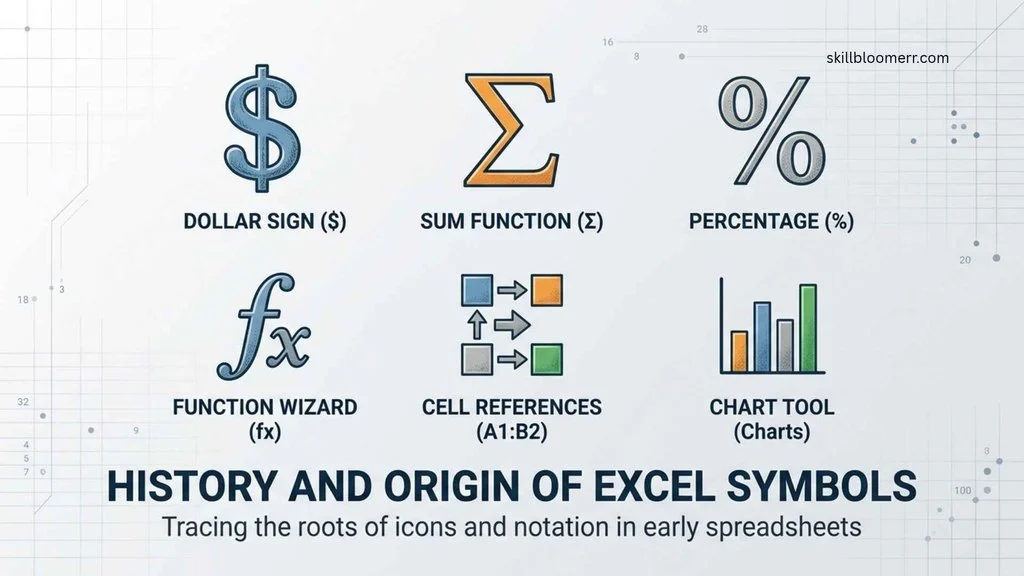
Microsoft Excel inherited many spreadsheet symbols from earlier mathematical systems, programming languages, and accounting practices. The use of symbols in calculations existed long before digital spreadsheets.
Early spreadsheet programs such as VisiCalc, released in 1979, introduced the idea of using formulas inside cells. Microsoft Excel, first released for Macintosh in 1985 and later for Windows in 1987, expanded these concepts by adding more functions, operators, and visual symbols.
Many Excel symbols come from traditional mathematics:
- + has represented addition for centuries.
- – has represented subtraction since early mathematical notation.
- % developed from the idea of “per hundred.”
- = was introduced by mathematician Robert Recorde in 1557 to represent equality.
Modern Excel combines these historical mathematical symbols with computer-based notation.
For example:
- $ was adopted from accounting and programming practices.
- ! became common in software to separate references.
- # became associated with errors and special spreadsheet functions.
Over time, Excel symbols evolved from simple calculation marks into a complete language for spreadsheet communication.
Symbolism and Interpretation of Excel Symbols
Excel symbols do not have cultural symbolism like ancient signs or religious icons. Instead, their meaning comes from technical interpretation and user interaction.
However, each symbol represents a specific idea within spreadsheet logic.
Equal Sign (=): The Beginning of Calculation
The equal sign is one of the most important Excel symbols. It tells Excel that the user wants to perform a calculation or create a formula.
Example:
=SUM(A1:A10)
Meaning:
“Calculate the total value from cells A1 through A10.”
Without the equal sign, Excel will display the formula as text.
Dollar Sign ($): Stability and Control
The dollar sign in Excel represents a fixed reference.
Example:
=$A$1
This means the reference to column A and row 1 will not change when the formula is copied.
It is commonly used in:
- Financial models
- Budget spreadsheets
- Tax calculations
- Business forecasts
Colon (:): Connection Between Cells
The colon symbol represents a continuous range.
Example:
A1:A20
Meaning:
“Use all cells from A1 to A20.”
This symbol is essential for:
- SUM functions
- Charts
- Data analysis
- Conditional formatting
Percentage Symbol (%): Proportion and Comparison
The percentage symbol converts numbers into a portion of 100.
Example:
25%
means:
25 out of 100
Businesses use percentage symbols for:
- Growth rates
- Discounts
- Profit margins
- Performance reports
Cultural Significance of Excel Symbols
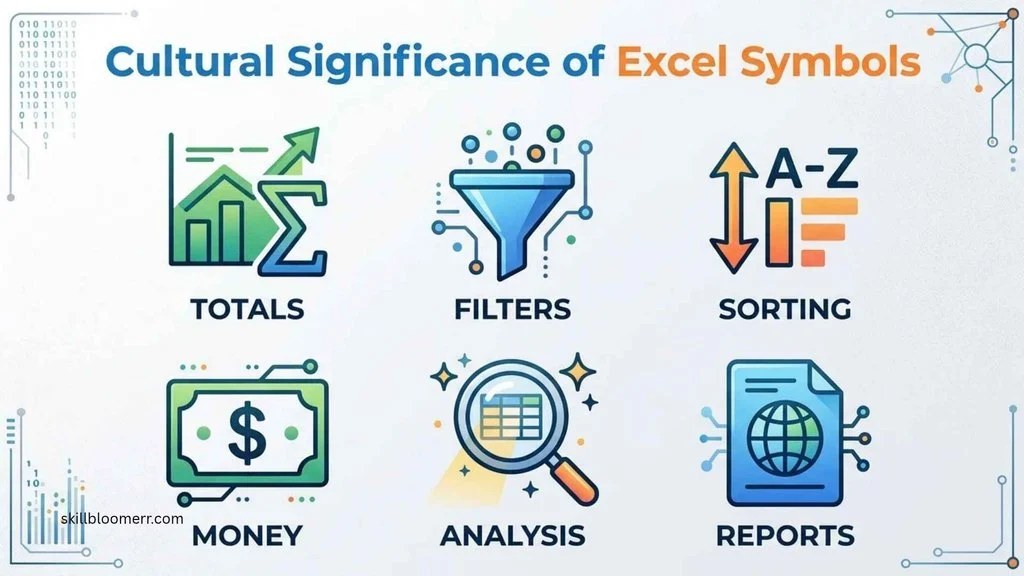
Excel symbols are primarily technical symbols rather than cultural symbols. Their meaning is mostly universal because Microsoft Excel is used globally by businesses, schools, governments, and organizations.
However, different professional communities may interpret Excel symbols differently.
Business and Finance
In finance, symbols such as:
- $
- %
- =
are strongly connected with accounting calculations, revenue reports, budgets, and financial forecasting.
Education
Teachers and students use Excel symbols for:
- Mathematics lessons
- Statistics
- Research projects
- Data visualization
Engineering and Science
Scientists and engineers use Excel symbols to represent:
- Measurements
- Formulas
- Experimental results
- Data relationships
Although the symbols remain the same, their practical meaning depends on the field where they are used.
Scientific or Technical Meaning of Excel Symbols
Excel symbols have important technical meanings in computing and data processing.
Mathematical Operators
Excel uses standard mathematical operators:
| Symbol | Function |
| + | Addition |
| – | Subtraction |
| * | Multiplication |
| / | Division |
| ^ | Exponent |
Example:
=2^3
Result:
8
Logical Operators
Logical symbols allow Excel to compare information.
Examples:
A1>100
Checks whether A1 is greater than 100.
A1=B1
Checks whether two cells contain the same value.
Common logical symbols include:
- =
- <
- =
- <=
- <>
These are widely used in:
- IF formulas
- Data validation
- Conditional formatting
Where Excel Symbols Are Used
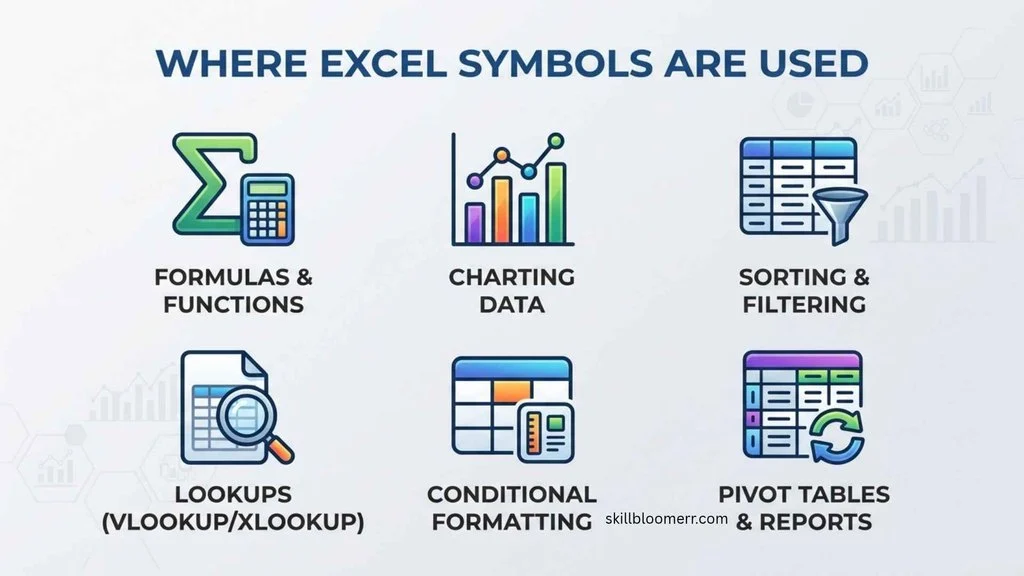
Excel symbols appear throughout spreadsheet environments.
Formulas and Functions
Symbols are essential when writing formulas.
Examples:
=AVERAGE(A1:A10)
=IF(B2>50,”Pass”,”Fail”)
Data Analysis
Analysts use symbols for:
- Calculations
- Sorting rules
- Filtering conditions
- Statistical formulas
Financial Models
Accountants and financial professionals use symbols for:
- Currency calculations
- Percentage changes
- Forecasting
- Budget planning
Charts and Reports
Excel symbols help define:
- Data ranges
- Labels
- References
- Relationships
Business Dashboards
Modern dashboards rely on formulas containing multiple Excel symbols to automatically update information.
Common Variations of Excel Symbols
Excel symbols can appear in different forms depending on the version of Excel, operating system, or user settings.
Keyboard Variations
Some symbols may be entered differently:
- * may be typed using Shift + 8 on many keyboards.
- $ may require Shift + 4.
- % may require Shift + 5.
Formula Variations
Different formulas may combine multiple symbols.
Example:
=SUM($A$1:$A$10)
This combines:
- Equal sign
- Function brackets
- Dollar signs
- Colon
Unicode Variations
Some special Excel symbols can also be inserted through Unicode characters, including:
- Mathematical symbols
- Arrows
- Check marks
- Currency symbols
Common Misconceptions About Excel Symbols
Excel Symbols Are Not Decoration
Many beginners think symbols are only visual marks. In reality, they control spreadsheet behavior.
The Dollar Sign Does Not Mean Currency Only
In normal text, $ represents money. In Excel formulas, it often means a fixed reference.
Example:
$A$1
does not mean one dollar. It means the cell reference is locked.
The Equals Symbol Does Not Only Mean “Equal”
In Excel, = has two roles:
- Starting formulas
- Comparing values
Example:
Formula:
=A1+B1
Comparison:
=A1=B1
Symbols Do Not Work Outside Their Context
The meaning of a symbol depends on where it appears.
For example:
% in a cell means percentage formatting.
% inside a formula can change a value.
Interesting Facts About Excel Symbols
- The equal sign in Excel connects mathematics and computing.
It transforms a simple spreadsheet cell into a calculation engine. - The dollar sign is one of the most important symbols for advanced Excel users.
It prevents formulas from changing when copied. - Excel formulas create a symbolic language.
Users communicate instructions through combinations of symbols and functions. - Many Excel errors are caused by missing symbols.
A missing parenthesis or incorrect operator can completely change a result. - The colon symbol saves users significant time.
Instead of selecting hundreds of cells manually, users can define a range instantly. - Excel supports hundreds of functions that depend on symbols.
Functions such as SUM, IF, VLOOKUP, and XLOOKUP all rely on correct symbolic structure. - Symbols make spreadsheets understandable worldwide.
A formula written in one country can often be understood by users in another. - Excel symbols connect business and mathematics.
They allow professionals to transform raw data into meaningful information. - The ampersand symbol helps create automated text.
It combines names, labels, and messages dynamically. - Symbol knowledge separates beginner and advanced Excel users.
Understanding symbols allows users to build complex spreadsheets.
Related Symbols
Mathematical Symbols
These include:
- Plus (+)
- Minus (-)
- Multiplication (*)
- Division (/)
- Exponent (^)
They are used for calculations.
Programming Symbols
Excel shares some symbols with programming languages:
- =
- <>
- &
- @
These symbols help create logical instructions.
Accounting Symbols
Related accounting symbols include:
- $
- %
- Parentheses
They are commonly used in financial reporting.
Data Symbols
Modern Excel also uses:
- Check marks
- Warning icons
- Arrows
- Color indicators
These improve visual understanding.
Frequently Asked Questions
What is the most important symbol in Excel?
The equal sign (=) is one of the most important Excel symbols because it starts formulas. Without it, Excel does not recognize a calculation. Almost every formula, from simple addition to advanced financial analysis, begins with this symbol.
What does the $ symbol mean in Excel?
The dollar sign ($) locks a cell reference so it does not change when copied. For example, $A$1 keeps both the column and row fixed. It is especially useful when creating repeated calculations, financial models, and formulas that use constant values.
What does the colon symbol mean in Excel?
The colon symbol (:) represents a range of cells. For example, A1:A10 means all cells between A1 and A10. It is commonly used in functions like SUM, AVERAGE, and COUNT to process multiple cells together.
Why does Excel use symbols in formulas?
Excel uses symbols because they provide clear instructions for calculations. Symbols tell Excel how to add, compare, connect, or reference information. They make spreadsheets flexible and allow users to create automated calculations.
What does the percentage symbol mean in Excel?
The percentage symbol (%) converts a number into a percentage format. For example, entering 0.5 and applying percentage formatting displays 50%. It is widely used in finance, business reports, and statistical analysis.
What does the exclamation mark mean in Excel?
The exclamation mark (!) separates a worksheet name from a cell reference. For example, Sheet2!A1 means the value comes from cell A1 on Sheet2.
What does the ampersand symbol do in Excel?
The ampersand (&) combines text values. For example, =”John”&” Smith” creates the combined text “John Smith.” It is useful for creating automatic labels and messages.
Can Excel symbols be customized?
Some Excel symbols can be changed through formatting, fonts, and inserted characters. However, formula symbols such as +, =, and : have fixed meanings within Excel calculations.
Key Takeaways
- Excel symbols create the language used for spreadsheet formulas and calculations.
- The equal sign (=) starts formulas.
- The dollar sign ($) locks cell references.
- The colon (:) defines a range of cells.
- Mathematical operators control calculations.
- Logical symbols help Excel compare values.
- Symbols have different meanings depending on context.
- Understanding symbols improves spreadsheet accuracy.
- Excel symbols are used worldwide in business, education, and science.
Conclusion
Excel symbols are the foundation of effective spreadsheet work. They allow users to create formulas, analyze data, automate calculations, and build professional reports. From basic operators like plus and minus signs to advanced references using dollar signs and worksheet symbols, every character has a specific purpose.
Learning Excel symbols is not only about memorizing characters. It is about understanding how Excel communicates instructions and transforms simple data into useful information. Whether you are a student, business professional, analyst, or everyday spreadsheet user, mastering these symbols can make your Excel skills faster, more accurate, and more powerful.

I’m Nathaniel Brooks, an educational writer who loves exploring ideas and making useful knowledge accessible to everyone. I write for SkillBloomerr with a focus on clear explanations, practical tips, and meaningful learning. My goal is to help readers discover something valuable every time they visit the site.
Books: Learn Something New and The Practical Knowledge Handbook
 Olivia Hartwell